

Feature
Parent & Teacher Tracking
Watch from one screen, get notified at the right moment.
Last updated: August 17, 2026
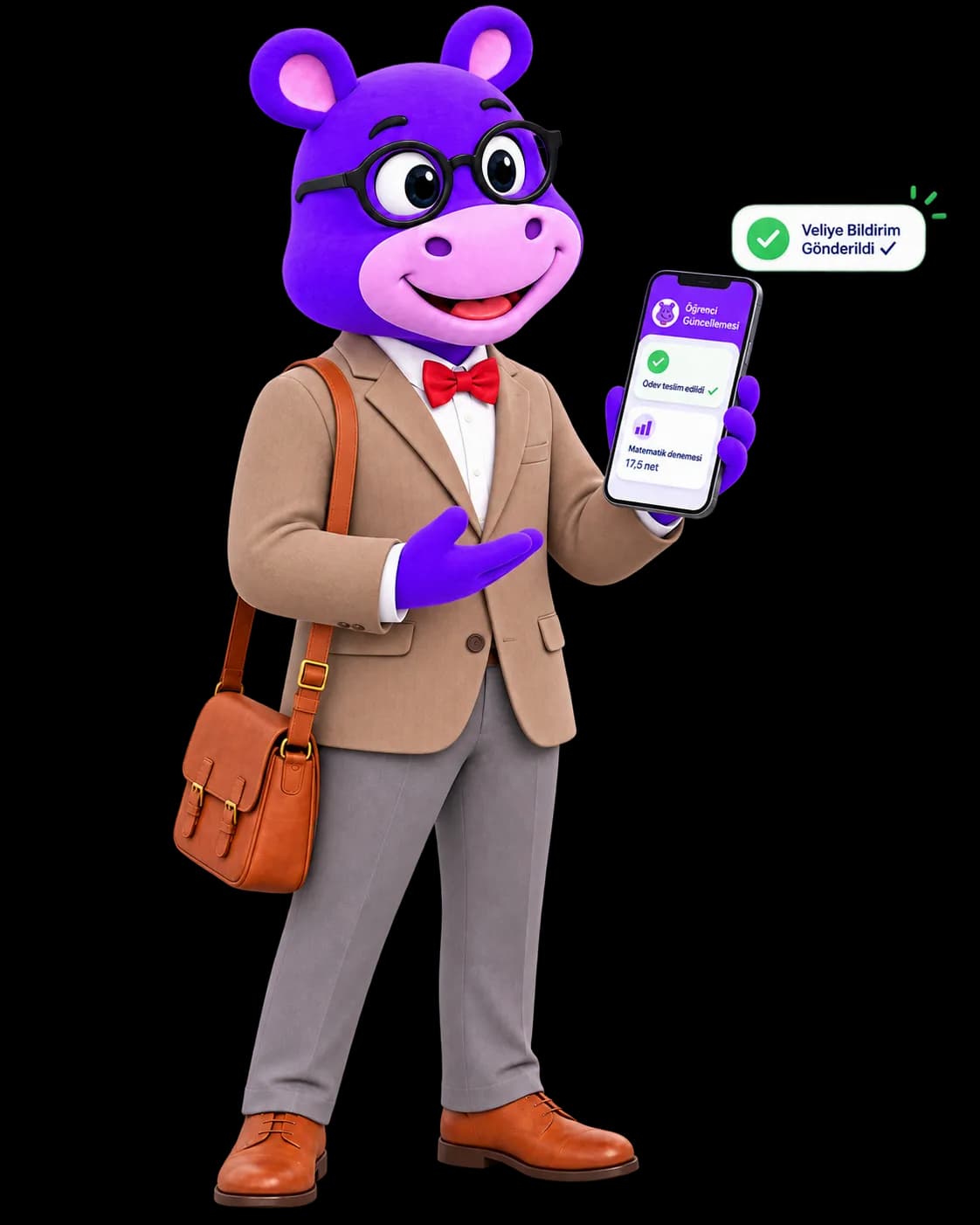
Parents track their child's daily status, success summary, attendance, progress curve, homework submission status and exam report card all from one screen. Automatic notifications for absences, exam results, payment reminders and homework due dates arrive via email, push notifications, SMS and WhatsApp; which event goes to which channel is defined in a central registry covering 34 distinct event types, while the user toggles four channels (email, push, SMS, WhatsApp) individually in Settings. Outside the Pro and Campus institutional plans, the WhatsApp channel is not part of the core subscription: it is a separate add-on at ₺79 per month, and the critical parent alerts that go out only through that channel are not delivered until the add-on is enabled. On the teacher side, subject and learning-outcome progress per student along with a class-wide overview come together on a single screen. Parent-teacher messaging is restricted by a strict, server-enforced permission rule, so communication always stays between the right people.
Live preview
Follow a notification end to end: fire an event, toggle the channels, drop the WhatsApp add-on, and see what reaches the parent — or that nothing does.
Fire an event
The product carries 34 event types; six of them are here.
Channel preferences
Outside the Pro and Campus plans, WhatsApp is an add-on. These four switches are global in the product's Settings. Turn the add-on off and the three critical parent alerts that go out only over WhatsApp reach no channel at all — try it.
What the parent gets
Fire an event on the left; which channel delivers what will appear here.
Who can message whom
- Parent → their own child
- Parent → their child's teacher
- Parent → another parent
- Student → another student
This rule is enforced on the server, not merely hidden in the interface.
Step 1/3 · Fire an event
Pick an event on the left; the registry decides its channels.
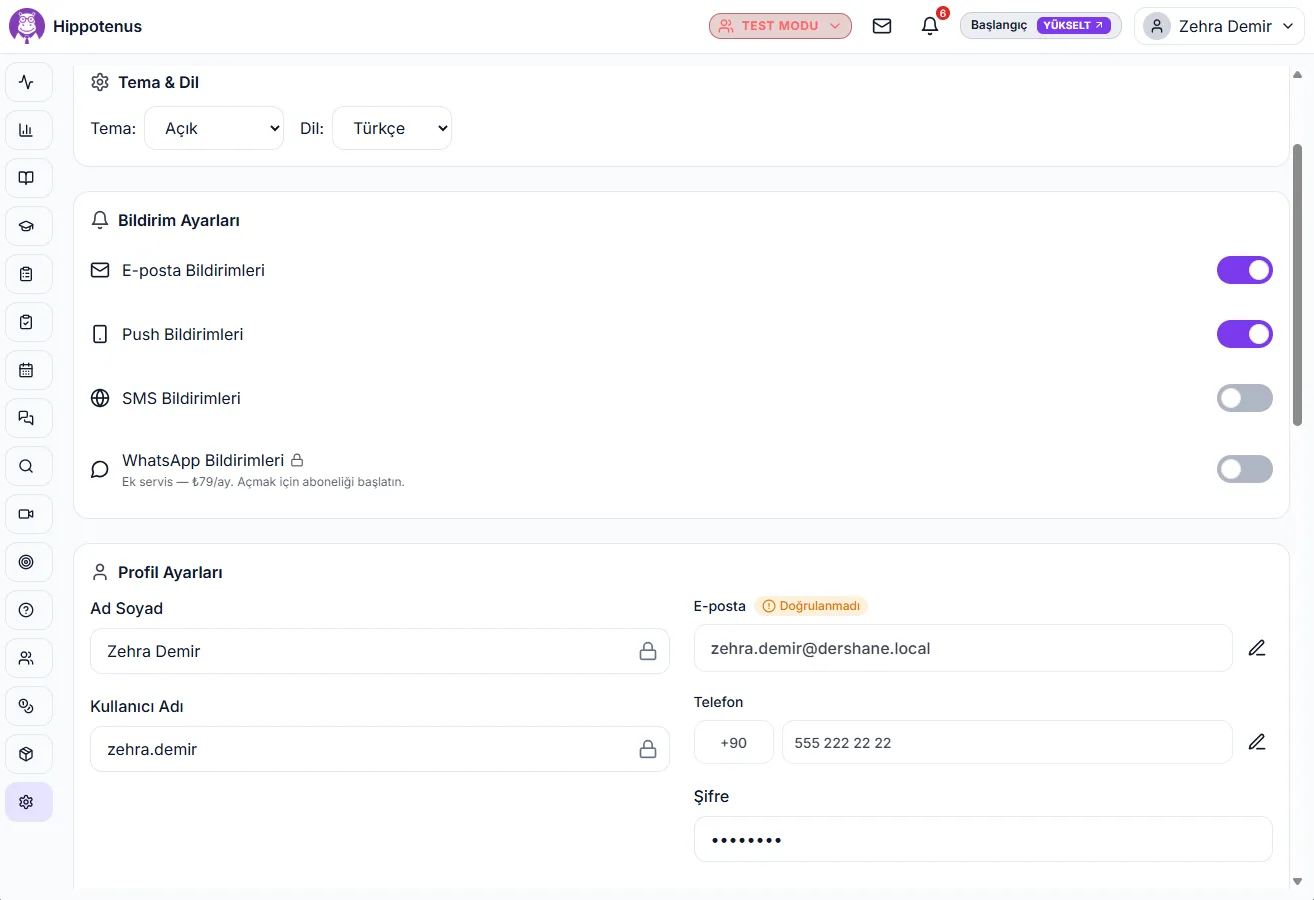
In the real product: 34 registered event types deciding which channel each one uses, four channel switches in Settings, server-enforced permission rules, and an access log that timestamps every score view.
How it works
Event Triggers
An event occurs in the system, such as an absence, an exam result, or a payment being received.
Channel Is Determined
The central registry, covering 34 event types, decides which channels (email, push, SMS, WhatsApp) fire for that specific event; three critical parent alerts — absences, exam results and payment confirmations — are deliberately sent only through WhatsApp.
WhatsApp Message Is Sent
Critical alerts go out through a standard WhatsApp message prepared for each event type. This channel is unlocked by the ₺79/month add-on; with the add-on off, those three alerts are not sent.
Messaging Is Scoped
A parent can only message their own child and that child's teacher; parent-to-parent or student-to-student messaging is blocked at the server level.
Access Is Logged
Every time a student's success score is viewed, who viewed it, in what role, at what scope, and when is automatically recorded.
What it offers each role
Parent
Parents follow their child's daily status, attendance, exam results and payment reminders through their chosen channels (email, push notifications, SMS, WhatsApp); critical information like absences and exam results is delivered specifically via WhatsApp. They can message their child and their child's teacher directly.
Teacher
Teachers see per-student subject and learning-outcome progress along with a class-wide overview on one screen, and can reply directly to parent messages. Access to student scores is logged just like every other view.
Administrator
Administrators can track, through a transparent log, which channels deliver absence, exam-result and payment notifications to parents and who accessed student scores and when, ensuring institution-wide communication stays within the permission rules.
- 34 distinct event types, including absences, exam results, payment reminders and homework submissions, are managed from a single central notification registry.
- The user toggles four channels (email, push notifications, SMS, WhatsApp) individually in Settings; which event lands on which channel is decided by the central registry on the server.
- Three critical parent alerts — absences, exam results and payment confirmations — are deliberately sent through WhatsApp only.
- Outside the Pro and Campus institutional plans, the WhatsApp channel is not part of the core subscription; it is a separate add-on at ₺79 per month (₺948 per year) that any user type can enable for themselves.
- WhatsApp notifications use a standard, event-specific message for each event type.
- A parent can message only their own child and that child's teacher.
- Parent-to-parent and student-to-student messaging is fully blocked at the server level.
- Every access to a student's success score is logged with who viewed it, their role, the scope, and a timestamp.
- The teacher screen brings together per-student subject and learning-outcome progress and a class-wide overview in one place.
- Parents can track their child's daily status, success summary, attendance, progress curve, homework submissions and exam report card all from one screen.
- If the WhatsApp add-on is not enabled, no phone number was provided, or the channel was turned off, WhatsApp-only critical alerts simply won't reach the parent through another channel, a deliberate design choice.
Frequently asked questions
Critical parent alerts such as absence notifications, exam result notifications and payment received confirmations are deliberately sent only through WhatsApp, using a standard message prepared for each event type.
Yes. Settings has four separate switches — email, push notifications, SMS and WhatsApp — and you can turn any of them off. Which event goes out on which channel is defined in the central registry on the server, and three critical events are sent only via WhatsApp by design.
Parents can message their child's teacher directly within the app. This channel is protected by a permission rule enforced on the server.
No. The system fully blocks parent-to-parent and student-to-student messaging at the server level; a parent can only message their own child and that child's teacher.
Every access to a student's success score is logged with who viewed it, their role, the scope, and a timestamp. This is an explicit audit mechanism built for transparency and trust.
It is included in the Pro and Campus institutional plans. On other plans it is a separate add-on at ₺79 per month (₺948 per year). Without it the other three channels (email, push notifications, SMS) keep working, but the three critical parent alerts that go out only over WhatsApp are not sent.
If the add-on is not enabled, a phone number hasn't been provided, or the channel was turned off, the three critical alerts sent only through that channel (absences, exam results and payment confirmations) won't automatically arrive through another channel. This is a deliberate design choice to ensure critical information goes out through the right channel.