
See Where Your Child Stands, at a Glance.
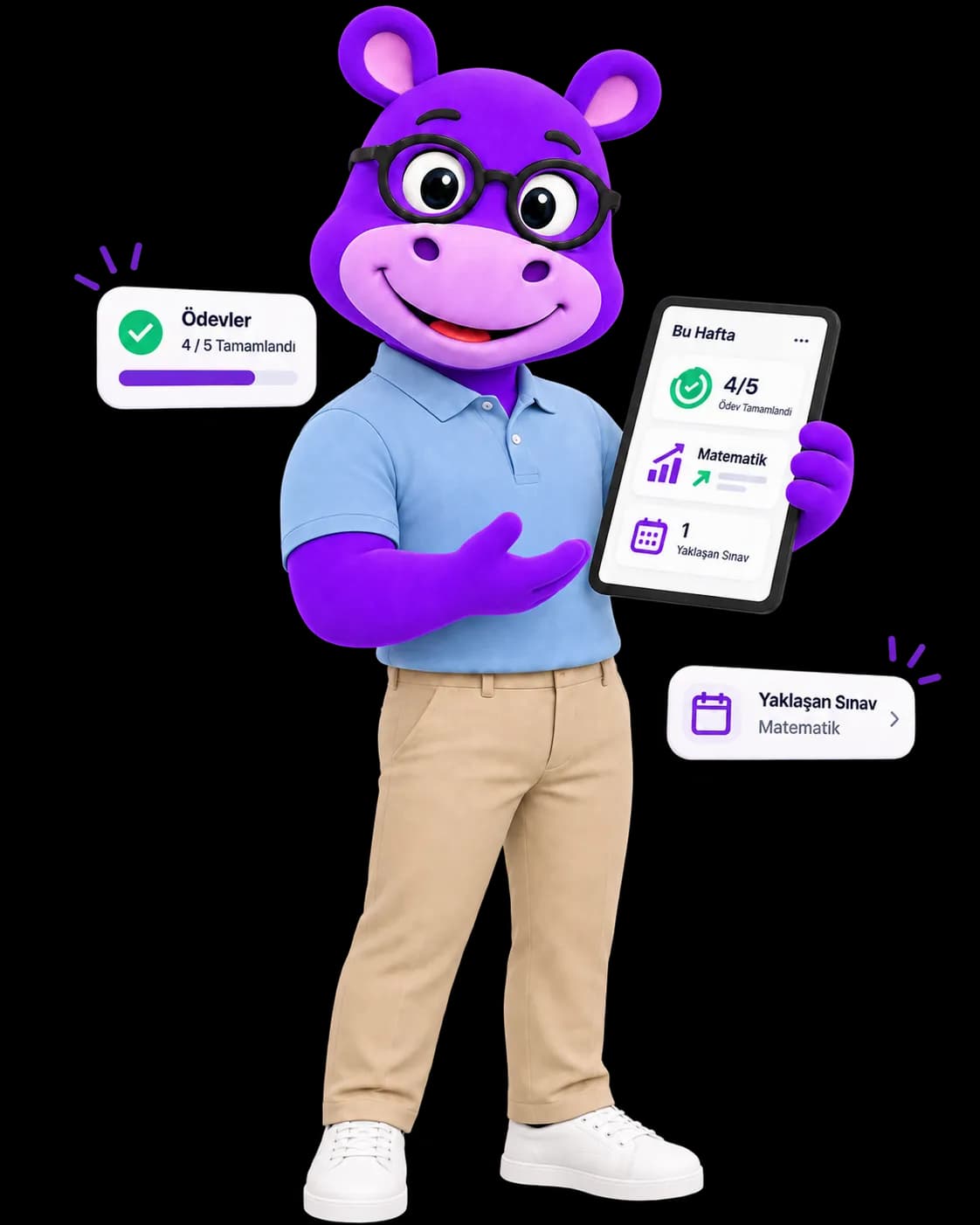
Homework submissions, exam results, attendance and the progress curve in your own panel. Critical updates reach you instantly on WhatsApp or email; no more calling to ask “did you do your homework, how was the exam?”.
What we offer
Parent view is enabled within the student’s assigned plan and authorized by the institution/teacher.
Parent Dashboard
KPIs, progress trends and participation summary at a glance.
Homework Visibility
See assigned work, submission status and teacher feedback.
Academic 360 Calendar
Unified calendar of lessons, exams, homework and events.
Notifications
Stay updated with due reminders and weekly progress summaries.
Messaging
Secure, logged communication with teachers and admins.
Payment Overview
View payment status for packages and lessons.
How it works
Get invited
Parent access is enabled by the student account or institution.
Link your account
Sign in via email/phone and verify your relation with the student.
Track
Monitor the journey with dashboard, calendar and notifications.
Note: Advanced reporting and notification experience is enhanced with the Parent Access add-on available in the Elite plan.
How Does Coaching Work for Your Child?
The AI builds the weekly plan; a real coach runs the process with a weekly video session, assigns homework and reports on progress. We explain what the coach does, how it differs from tutoring and what you get to see, on one page.
Questions parents ask
How access is enabled, which notification arrives through which channel, and what the numbers on the panel mean.
Access is authorised by the student account or the institution and becomes active within the student's assigned plan. After the invitation you sign in with email or phone and verify your relation to the student.
Events such as absence, exam results, payment confirmation and homework submission trigger notifications. Critical ones such as absence, exam results and payment confirmation are deliberately sent over WhatsApp only; for the rest you can switch in-app, email and SMS on or off separately.
No. You can message your own child and your child's teacher; parent-to-parent and student-to-student messaging is blocked server-side.
A trend says more than a single result. Every mock is archived, so you can read the last three or four side by side and use the objective-level breakdown to tell whether a drop came from missing knowledge or from timing.
It weights academic (40%), social-emotional (25%), attendance (20%), study habits (10%) and goal (5%) dimensions into a single 0-100 score, recalculated every night at 02:30. If a sub-metric has no data its weight is not lost; it is redistributed proportionally across the metrics that do have data.
Enable Parent Access?
If your child does not have an account yet, create one for free; if it is managed by an institution or teacher, ask them to enable parent access.